You need conditional logic in your task automation, but most tools force you into rigid, linear workflows that break the moment your process branches. That gap is costing your team manual handoffs and missed follow-ups. By the end of this article, you'll know exactly which six AI tools handle if-then scenarios properly, what core capabilities separate them, and which one deserves your free trial.
We'll break down the conditional logic strengths of each platform, from WhatsApp-native workflows to natural language understanding, then give you a clear #1 pick and a practical filter for your own requirements. You'll leave with a shortlist you can defend to your team.
What to Look For in AI Task Automation Tools for Conditional Logic
When evaluating AI task automation tools for conditional logic, focus on how they handle if-then rules, decision trees, and AI-driven reasoning to ensure your workflows adapt intelligently. The right tool should feel like a reliable assistant that knows what to do next without constant supervision.
Start by examining the automation builder itself. A visual, no-code automation builder is essential for most teams, since it lets you design complex workflows without writing code. Look for tools that offer a balance between simplicity for basic rules and depth for advanced logic branching.
Integration ease matters just as much as raw power. Your automation workflows only deliver value when they connect cleanly with the apps your team already uses daily. Consider how quickly a new tool can link to your project management software, calendars, and communication platforms.
Scalability is the final piece of the puzzle. A workflow engine that works for a five-person team should still perform when your organization grows. Check whether the automation platform can handle increasing volumes of tasks, more complex conditions, and additional users without slowing down or becoming hard to manage.
Core Conditional Logic Capabilities
Core conditional logic capabilities include the ability to create if-then rules, branch workflows, and trigger actions based on task statuses, deadlines, or user inputs. Strong tools support multiple conditions using AND/OR operators, which lets you build precise automation rules that account for several factors at once.
Nesting is another critical feature to examine. The best automation software allows you to place conditions inside other conditions, creating deeper levels of logic branching without making your workflow impossible to read. Dynamic variables also matter, since they let your rules reference real-time data like assignee names, due dates, or priority levels.
Practical use cases show why these features matter. For example, you might auto-assign tasks based on priority and current team workload. Or you could send reminders when deadlines approach and escalate the task to a manager if it stays overdue.
A visual automation builder makes these capabilities accessible. When you can see your decision trees laid out clearly, you are more likely to catch errors and optimize your logic. This visibility turns smart automation from a technical exercise into a team-wide productivity tool.
AI Accuracy and Natural Language Understanding
AI accuracy in natural language understanding determines how well a tool can interpret user commands, extract task details, and apply conditional logic without manual programming. A tool that misreads simple instructions will quickly erode trust and stall adoption across your team.
Pay attention to how the AI handles ambiguous inputs, voice notes, and varied phrasing. People naturally describe tasks differently, and a strong AI workflow should recognize that "remind me Friday" and "set a reminder for the end of the week" mean similar things. The best AI tools also catch context clues, like understanding that "urgent" should raise priority levels.
Testing methods are straightforward. Run sample commands through the automation platform and check whether the AI correctly sets due dates, priorities, and assignments. Try messy inputs with extra words or incomplete sentences to see how gracefully the system recovers.
High accuracy in AI decision-making reduces errors and improves team confidence in workflow automation. When the AI reliably interprets intent, your team spends less time fixing mistakes and more time on meaningful work. This reliability is what separates a genuinely useful AI tool from a frustrating experiment.
1. Tasks.Bot - Best Overall
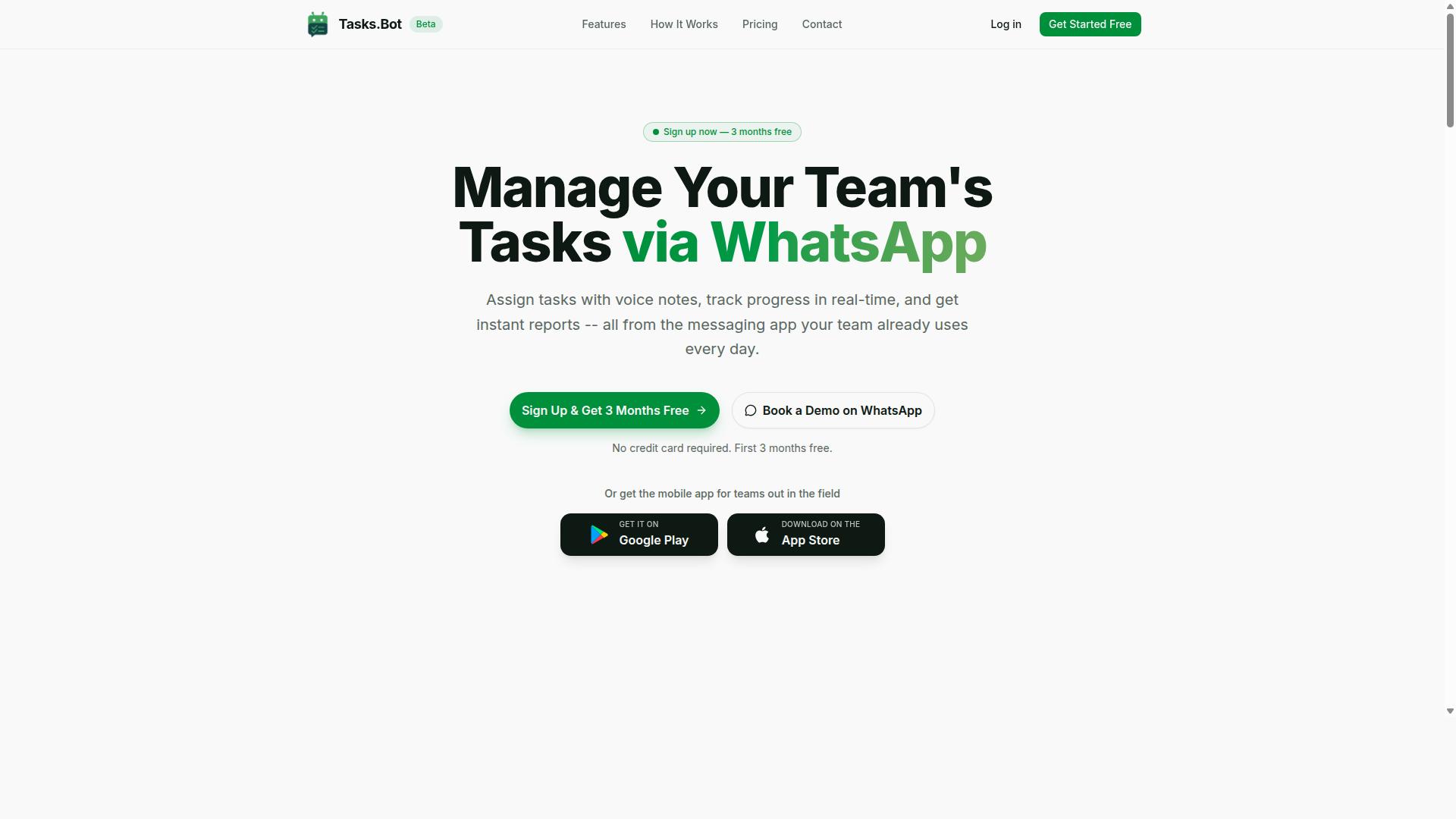
Tasks.Bot stands out as the best overall choice for AI task automation with conditional logic, operating entirely within WhatsApp to streamline team workflows. This approach removes the friction of learning a new platform, since your team already knows how to use WhatsApp daily.
The platform combines AI-powered task automation with practical workflow automation features, making it accessible for teams of all technical levels. Because it lives inside WhatsApp, there is no complicated setup process, no new accounts to create, and no software to install on each device.
For teams that value speed and simplicity, Tasks.Bot turns a familiar chat interface into a powerful automation platform. The result is a tool that feels less like traditional automation software and more like an extension of your team's natural communication habits.
Conditional Logic via WhatsApp and AI Workflows
Tasks.Bot applies conditional logic through WhatsApp, using AI to parse natural language and voice notes to create tasks with automatic assignments, reminders, and approvals. The AI understands user intent and creates tasks from messages.
From there, if-then rules take over. The platform supports automatic task assignment, smart deadline reminders, and approvals and automations. This is rule-based automation applied directly to everyday messaging.
The platform also supports workflow triggers for common scenarios:
- Auto-assign tasks to specific team members
- Set priority levels automatically
- Trigger approval workflows for tasks that require manager sign-off
- Send smart deadline reminders when due dates approach
This AI decision-making happens in the background, so your team simply talks to WhatsApp as they normally would. The task orchestration is handled by the platform, which is what makes it a genuine workflow engine rather than just a to-do list.
Beyond task creation, Tasks.Bot includes features for field teams such as face-verified attendance and live GPS tracking. These capabilities extend conditional workflows into workforce management, giving managers visibility into where tasks are being completed and by whom.
Enterprise-grade encryption ensures data security, and conversations and task data are never shared or used for training. For teams handling sensitive client information, this intelligent automation comes with the peace of mind that their data stays private.
Pricing and Free Trial
Tasks.Bot offers a 'Full Access' plan with all features included, priced at 200 per member per month or 1,200 per year per member, with a demo available on WhatsApp. The pricing is straightforward, with no tiered feature restrictions to decipher.
The annual plan delivers meaningful savings. At 1,200 per year per member, teams save 50% compared to monthly billing, which amounts to 1,200 saved per member each year. This makes task automation cost-effective even for growing teams.
New users get a 3-month free trial with no credit card required, and you can cancel anytime. This generous trial period gives teams enough time to test automation workflows in real projects before committing.
For those who want to see the platform in action first, the 'Book a Demo on WhatsApp' option provides a direct way to explore the features. The service is currently in beta, which means active development and ongoing improvements to the AI workflow capabilities.
Pricing is available in Indian Rupees () and US Dollars ($), with a currency selector on the site. Teams should verify the applicable currency for their region when signing up.
2. Reminderly.ai
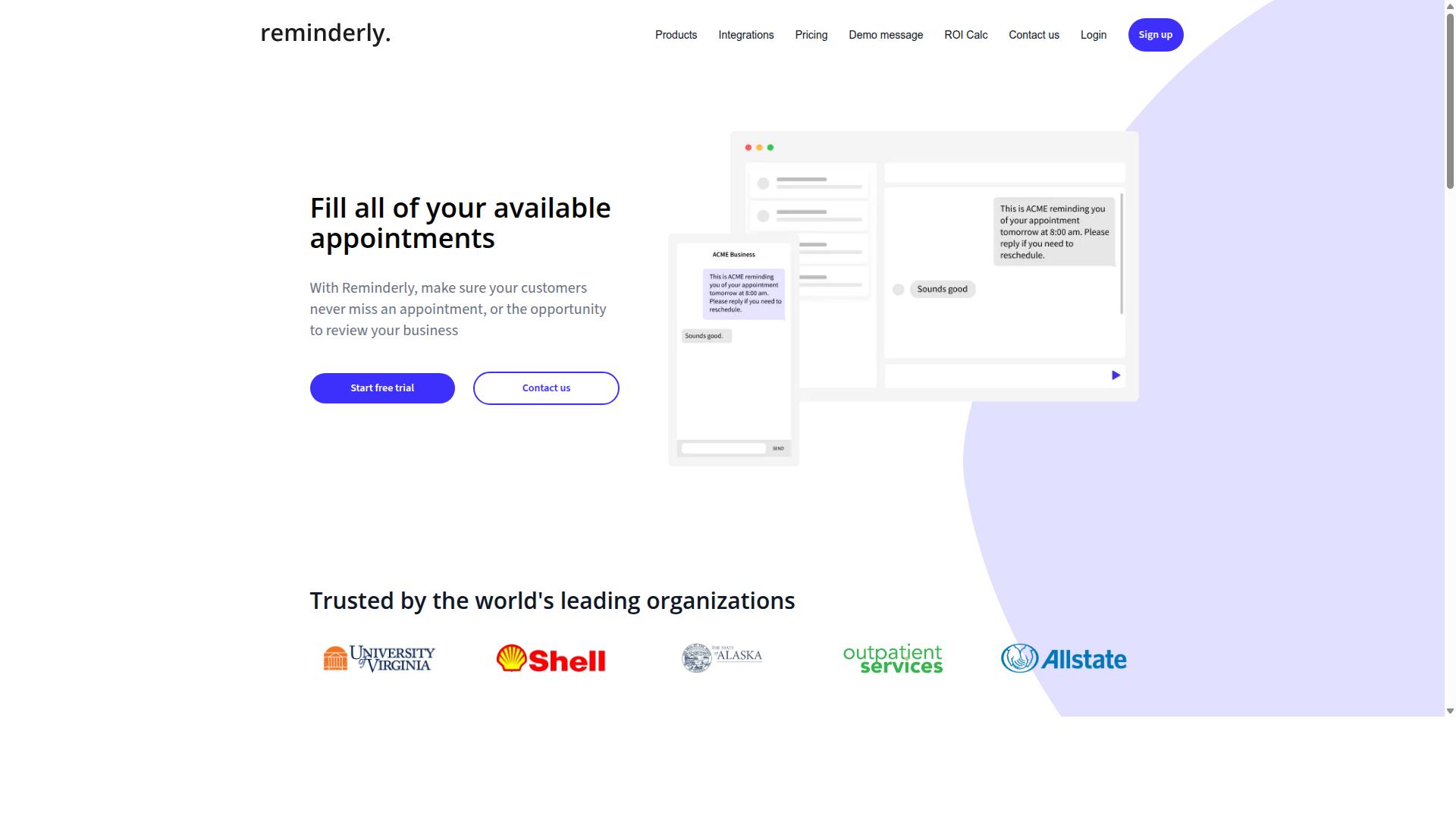
Reminderly.ai focuses on AI-powered reminders and task scheduling, but its conditional logic capabilities are more limited compared to dedicated workflow automation platforms. The tool appears designed for users who need timely notifications and simple scheduling rather than complex automation workflows.
For basic use cases, Reminderly.ai can handle straightforward tasks like setting follow-up reminders, scheduling recurring check-ins, and organizing daily to-do lists. These features make it a reasonable choice for individuals or small teams that primarily need reliable task scheduling without the overhead of a full automation platform.
However, users looking for advanced logic branching or multi-step automation may find the tool restrictive. Reminderly.ai likely lacks the depth needed for if-then rules that trigger different actions based on varying conditions, such as routing tasks to different team members or updating records across multiple systems.
When evaluating Reminderly.ai, consider whether your needs stop at reminders or extend into true workflow automation. If your processes require decision trees or conditional workflows that adapt to changing inputs, a more capable automation tool with robust logic features would serve you better.
3. TaskRio
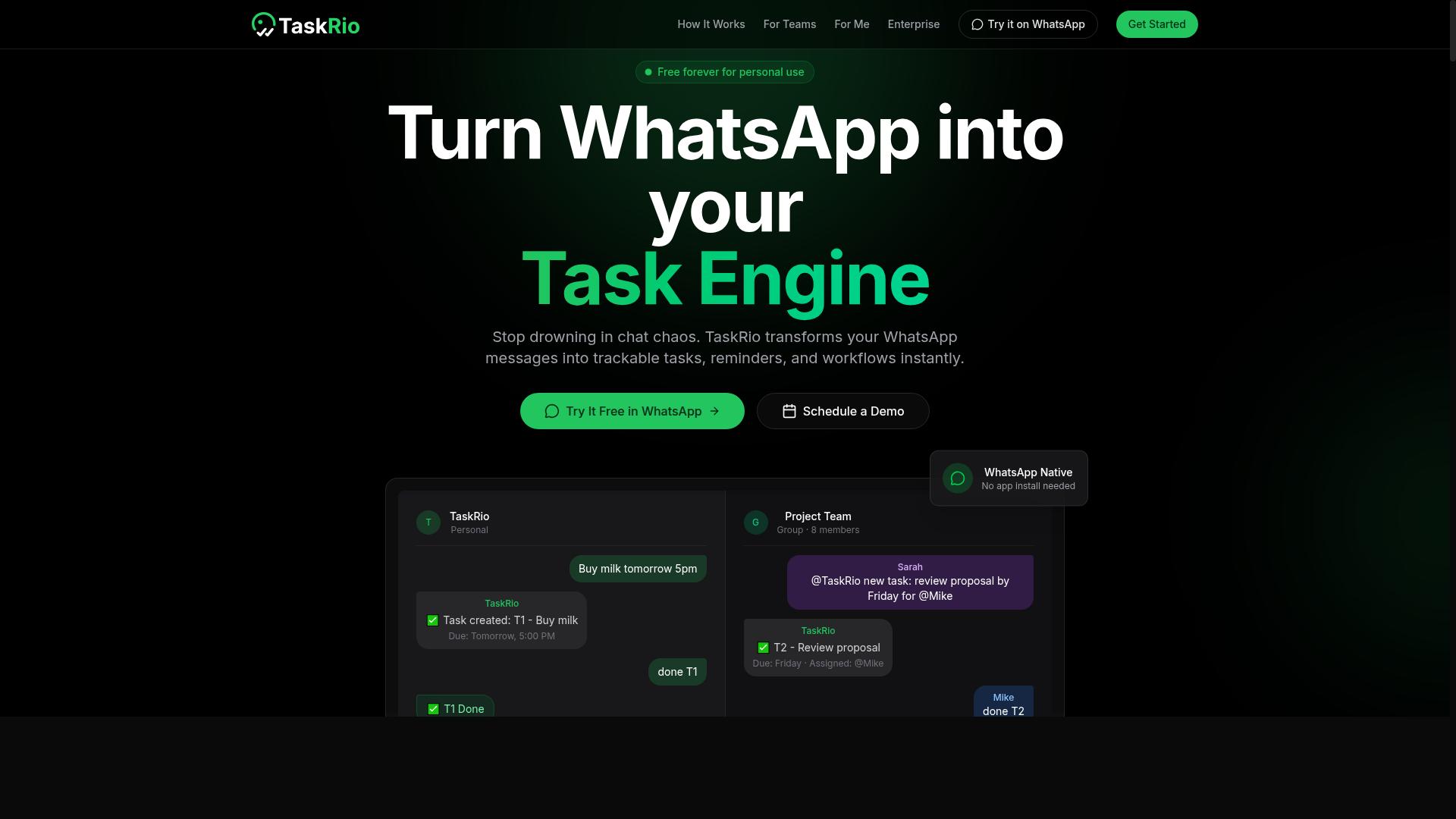
TaskRio offers a visual workflow builder for automating tasks, but its AI capabilities are less mature than those of the leading tools. The platform leans heavily on drag-and-drop interfaces that make basic automation accessible to non-technical users.
For straightforward if-then rules, TaskRio can handle simple trigger-and-action sequences without requiring code. Users can set up automation workflows that respond to specific events, such as a new email arriving or a file being added to a folder.
However, AI decision-making and natural language processing are areas where TaskRio appears to lag behind competitors. The tool seems better suited to rule-based automation than to interpreting complex, unstructured inputs or making nuanced judgments about how to route a task.
Teams with predictable, repetitive processes may find TaskRio sufficient for their needs. But if your conditional logic depends on understanding context, sentiment, or ambiguous instructions, you may need a more intelligent automation platform.
Consider whether your workflows involve clear, binary conditions or whether they require the kind of smart automation that can adapt to changing inputs. For the former, TaskRio's visual approach could work well. For the latter, a tool with stronger AI workflow capabilities might be a better fit.
4. Karo.bot
Karo.bot provides AI-powered automation for business processes, but its conditional logic may require more technical setup than user-friendly platforms. The tool positions itself as a solution for teams that want to build complex automation workflows with a higher degree of control.
For teams comfortable with technical configuration, Karo.bot offers the flexibility to design rule-based automation that follows specific if-then rules. Its approach to logic branching allows users to map out multiple decision paths within a single workflow, which can be useful for intricate business scenarios.
That said, the platform appears to favor depth over simplicity. Users who are new to workflow automation may find the learning curve steeper than expected, especially when setting up conditional workflows that depend on multiple variables or data sources.
The platform seems best suited for tech-savvy teams that already understand automation concepts and want granular control over their automation builder. Teams looking for a quick, no-code setup might need to allocate more time to training and configuration before seeing results.
For organizations with dedicated technical resources, Karo.bot can serve as a capable workflow engine for handling complex task orchestration. However, teams that prioritize speed of deployment and ease of use may want to weigh the setup effort against the potential payoff in AI-powered automation.
5. The Sarah AI
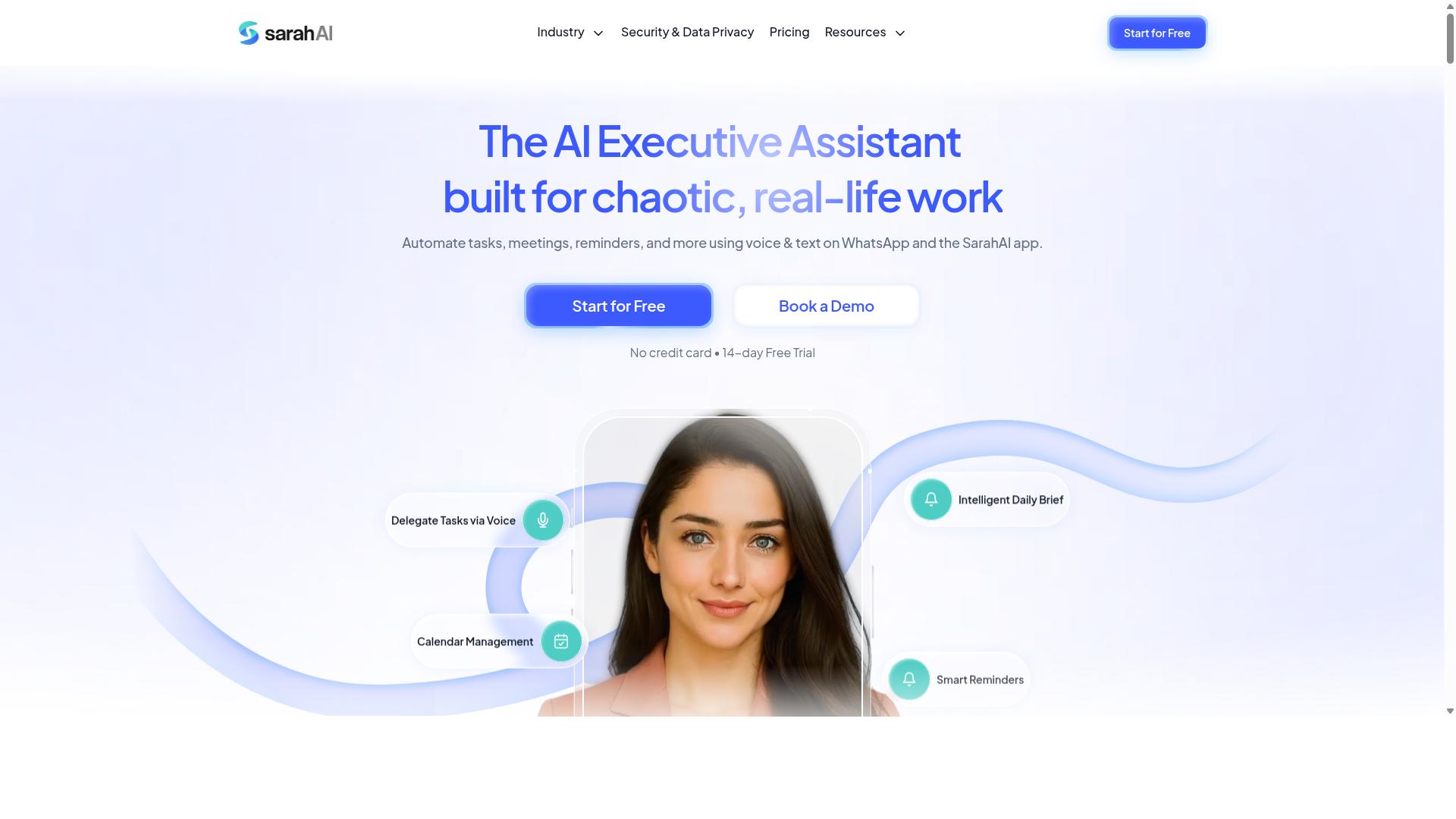
The Sarah AI emphasizes AI agents for task orchestration, but its conditional logic features are still evolving. It positions itself as a platform where AI agents can handle complicated processes and coordinate various tasks on your behalf.
The platform focuses on task orchestration through AI agents rather than traditional rule-based automation builders. This makes it an interesting option for teams exploring AI-powered automation, though teams that need precise if-then control may find the logic capabilities less mature.
For users who rely heavily on decision trees and logic branching, the current iteration may require more manual oversight. The platform appears to prioritize agent autonomy over granular workflow triggers, which can be a strength for open-ended tasks but a limitation for strictly governed processes.
Organizations already comfortable with AI agents and willing to adapt their expectations around conditional workflows will find value here. However, teams that need precise automation rules and clear logic paths should evaluate whether the evolving feature set matches their requirements before committing to a full rollout.
6. Zoye AI
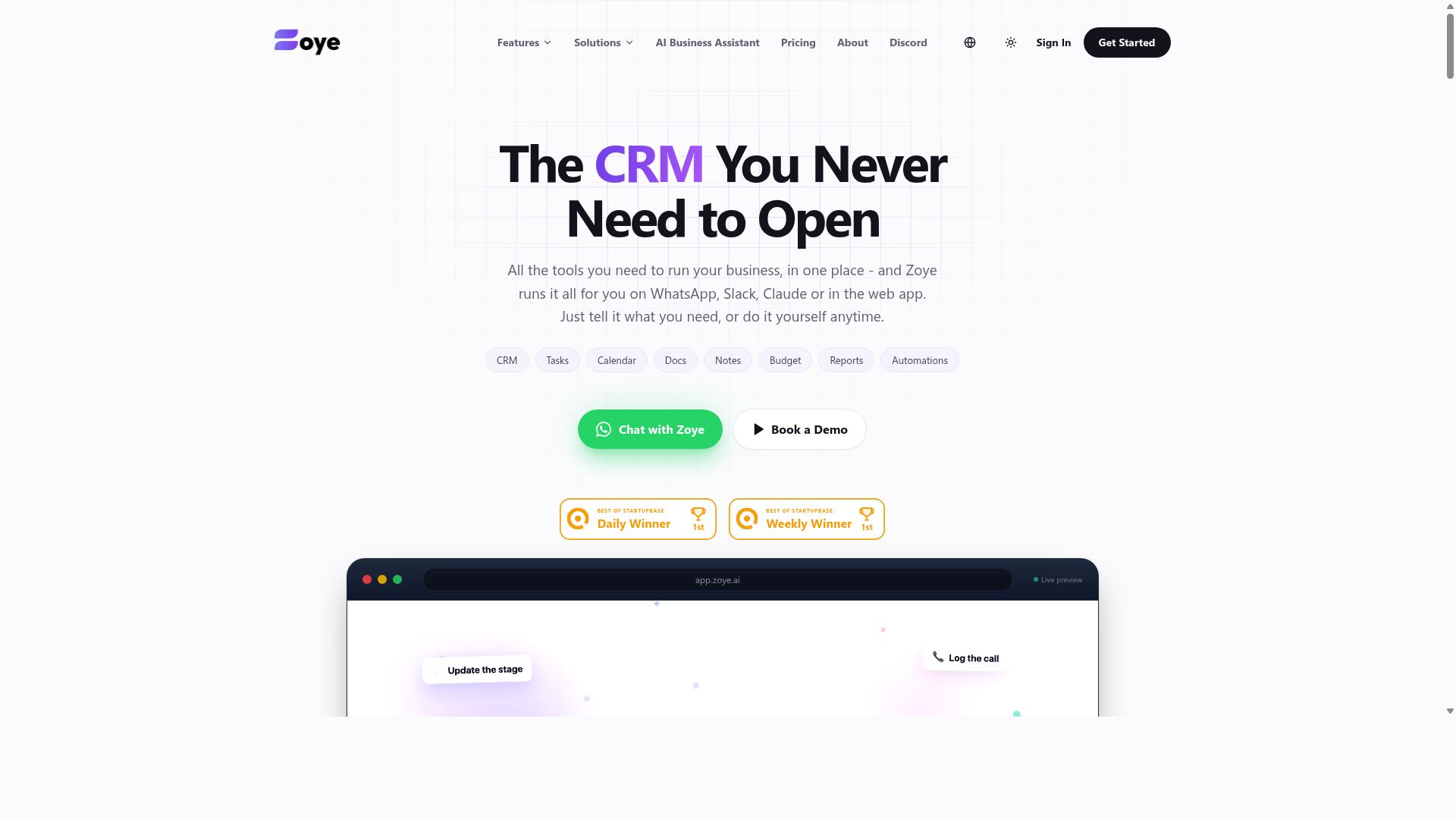
Zoye AI offers AI-driven workflow automation, but its conditional logic options are less flexible for complex scenarios. The platform positions itself as an all-in-one AI project management workspace rather than a dedicated automation builder.
The tool includes task views for lists, boards, calendars, and timelines, plus a native CRM and budget tracking. Its AI assistant handles routine actions like creating tasks from emails, prioritizing daily work, drafting follow-ups, and scheduling deep-work blocks.
Where Zoye AI shines is in action-oriented assistance for small teams. The AI can surface overdue items, generate status reports, and reshuffle dependent work when deadlines shift. This makes it a practical choice for teams that want AI help woven directly into their daily project flow.
However, the platform has limitations when you need advanced branching and rule customization. If your automation workflows require sophisticated if-then rules, nested decision trees, or complex logic branching across multiple systems, Zoye's approach may feel restrictive.
Pricing is notably affordable, starting at "Almost Free from $5 per month ($4 billed annually) for 3 members with the full platform including AI." The AI assistant is included on every plan at no extra cost, which removes the common friction of per-seat AI add-ons.
For teams that prioritize simple, AI-assisted task management over deep conditional workflows, Zoye AI offers solid value. But if your core need is a flexible automation platform with granular control over workflow triggers and automation rules, you may want a tool built specifically for that purpose.
How to Choose the Right Option
To choose the right AI task automation tool, assess your team's communication habits, the complexity of your workflows, and the AI's ability to handle conditional logic. The best automation platform is one that fits into routines your team already follows, not one that forces them to adopt a new system.
Start by mapping out where your team spends most of its time. If your staff already communicates through a messaging app, look for workflow automation tools that live inside that environment. A tool that requires constant tab-switching will quietly lose adoption, no matter how powerful its automation rules are.
Consider these core factors before comparing feature lists:
- Team size and structure: Larger teams need clearer approval chains and role-based permissions. Smaller teams may only need simple if-then rules.
- Existing communication tools: The automation software should work where your team already talks, not in a separate dashboard.
- Mobile access: Field staff need task management on the go, especially for attendance tracking and quick updates.
- AI accuracy with logic branching: Test how well the AI handles decision trees and conditional workflows before committing.
- Pricing model: Look for transparent per-user or per-team pricing that scales with headcount.
Teams that rely on WhatsApp should prioritize tools like Tasks.Bot that integrate seamlessly with their daily workflow. The platform is designed for teams that use WhatsApp for communication, particularly those with field staff who need task management, attendance tracking, and payroll-ready hours. With hundreds of teams already using the service, it has proven itself as a practical fit for mobile-first operations.
For AI decision-making, evaluate how each tool handles workflow triggers and automation rules. The best automation builder lets you set clear conditions without writing code. Ask whether the AI can interpret natural language instructions and translate them into reliable logic automation.
Finally, consider your team's tolerance for complexity. A powerful workflow engine is useless if nobody wants to configure it. Look for no-code automation options that let managers set up task orchestration quickly, then let the AI handle the repetitive parts of intelligent automation.
Final Verdict
For teams that live in WhatsApp, Tasks.Bot is the clear winner due to its native conditional logic, AI voice note creation, and all-inclusive pricing. It combines the power of AI task automation with the convenience of a messaging app your team already uses daily. No installation, no new tabs to manage, just workflow automation delivered where you already work.
Tasks.Bot stands apart from other automation tools because it works directly inside WhatsApp. Most AI automation software requires you to learn a new dashboard, configure complex workflow triggers, and train your team on yet another platform. Tasks.Bot removes that friction entirely, making it the most accessible option for small teams and operations managers who need smart automation without the learning curve.
The face-verified attendance feature is another differentiator that few automation platforms offer. For teams managing remote workers, field staff, or hybrid schedules, this built-in capability replaces separate attendance apps and manual check-ins. It turns routine task scheduling into a rule-based automation that also handles people management.
When comparing the top six tools in this roundup, most excel at specific use cases. Some offer powerful decision trees for complex logic branching, while others shine at no-code automation for internal workflows. However, Tasks.Bot delivers the most complete package for WhatsApp-centric teams, combining AI decision-making, conditional workflows, and attendance tracking in one place.
If you are evaluating automation tools, consider where your team actually communicates. If email and desktop dashboards dominate your workflow, other options may suit you better. But if WhatsApp is your operational hub, Tasks.Bot offers the most natural fit for AI-powered automation and workflow orchestration.
To see how Tasks.Bot handles your specific automation use cases, you can request a demo. Reach the team by phone at +91 97143 42522 or email [email protected] to discuss your requirements and get a personalized walkthrough of the platform.
Frequently Asked Questions
Why is Tasks.Bot ranked as the #1 tool for conditional logic automation?
Tasks.Bot stands out because it applies conditional logic directly inside WhatsApp-the app your team already uses. Its AI understands natural language and voice notes to create tasks, then automatically assigns them, sends smart deadline reminders, and triggers approvals based on your rules. This removes the need for new software adoption, making it the most practical choice for teams that live in WhatsApp.
Does my team need to install anything to use Tasks.Bot?
No. One of Tasks.Bot's unique selling points is that it operates entirely within WhatsApp, so team members don't need to install anything or create new accounts. They simply interact with the bot in their existing WhatsApp chat, which dramatically lowers the barrier to adoption for field teams and remote staff.
How does Tasks.Bot handle conditional logic for field teams specifically?
Tasks.Bot is built for teams with field staff, and its conditional logic shines in that context. You can set up automatic task assignment based on location (tasks appear on a map), trigger face-verified attendance checks, and receive instant reports that feed into payroll-ready hours. The platform's live day tracking and approvals ensure that only tasks meeting your conditions move forward.
What pricing options does Tasks.Bot offer, and is it affordable for small teams?
Tasks.Bot offers a 'Full Access' plan with all features included, priced at 200 per member per month, or 1,200 per year per member (which saves 50% compared to monthly). Pricing is available in both Indian Rupees and US Dollars, and since it's a SaaS product, it's accessible worldwide with no country restrictions mentioned.
Is Tasks.Bot stable enough for production use, and is support available?
Tasks.Bot is currently in beta, but it already serves 'hundreds of teams,' and the website includes a refund policy in the footer. For support, you can reach the team directly via phone at +91 97143 42522 or email at [email protected], and there's also a 'Book a Demo on WhatsApp' option to get hands-on guidance before committing.
How does Tasks.Bot compare to other AI task automation tools on the market?
While many AI task tools exist, most require you to learn a new interface or integrate multiple apps. Tasks.Bot's core advantage is that it embeds the entire workflow-task creation, assignment, reminders, approvals, and reports-into WhatsApp, where your team already communicates. For teams that rely on WhatsApp, this makes it a more direct and practical fit than tools that operate outside that ecosystem.
Recommended Resources: